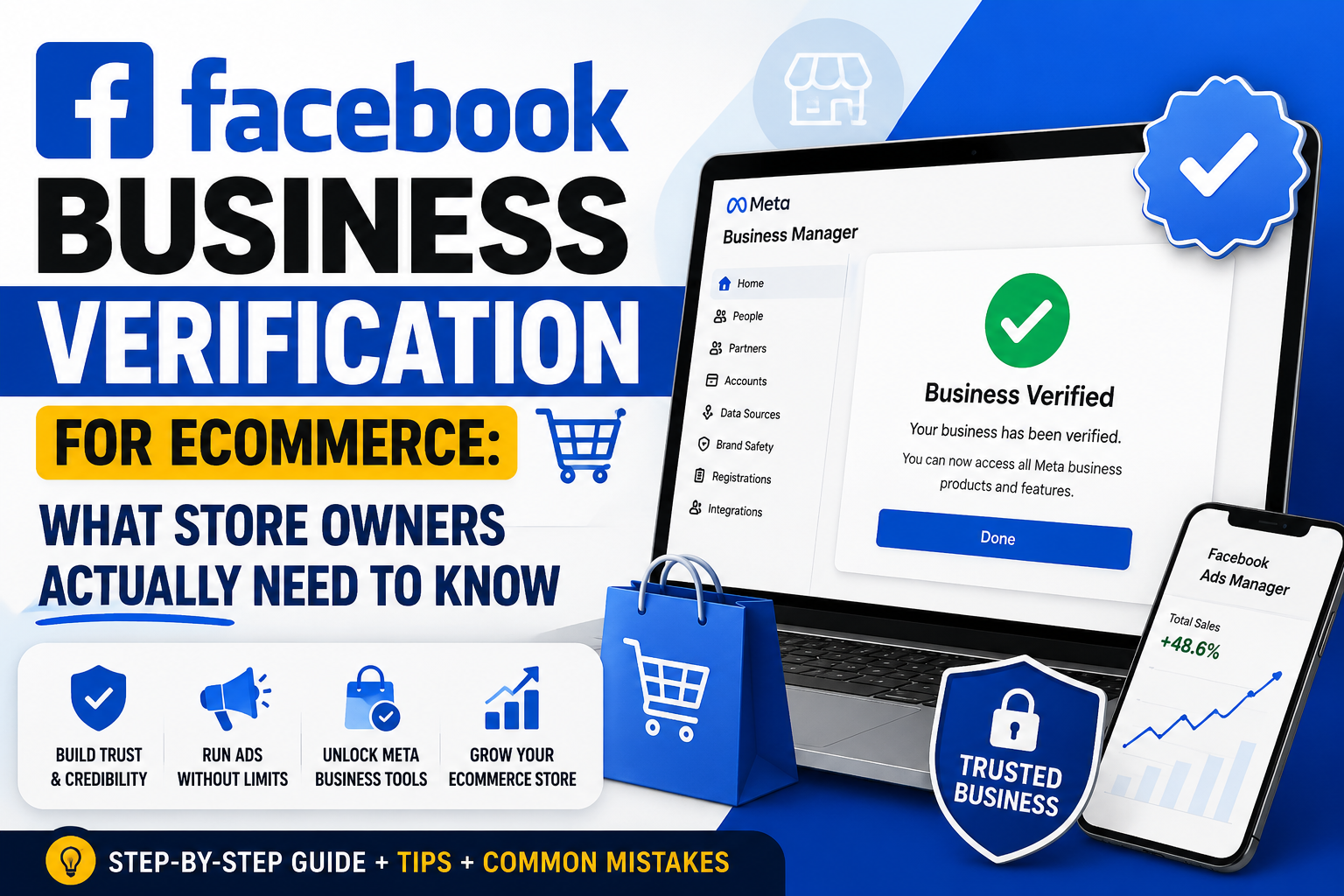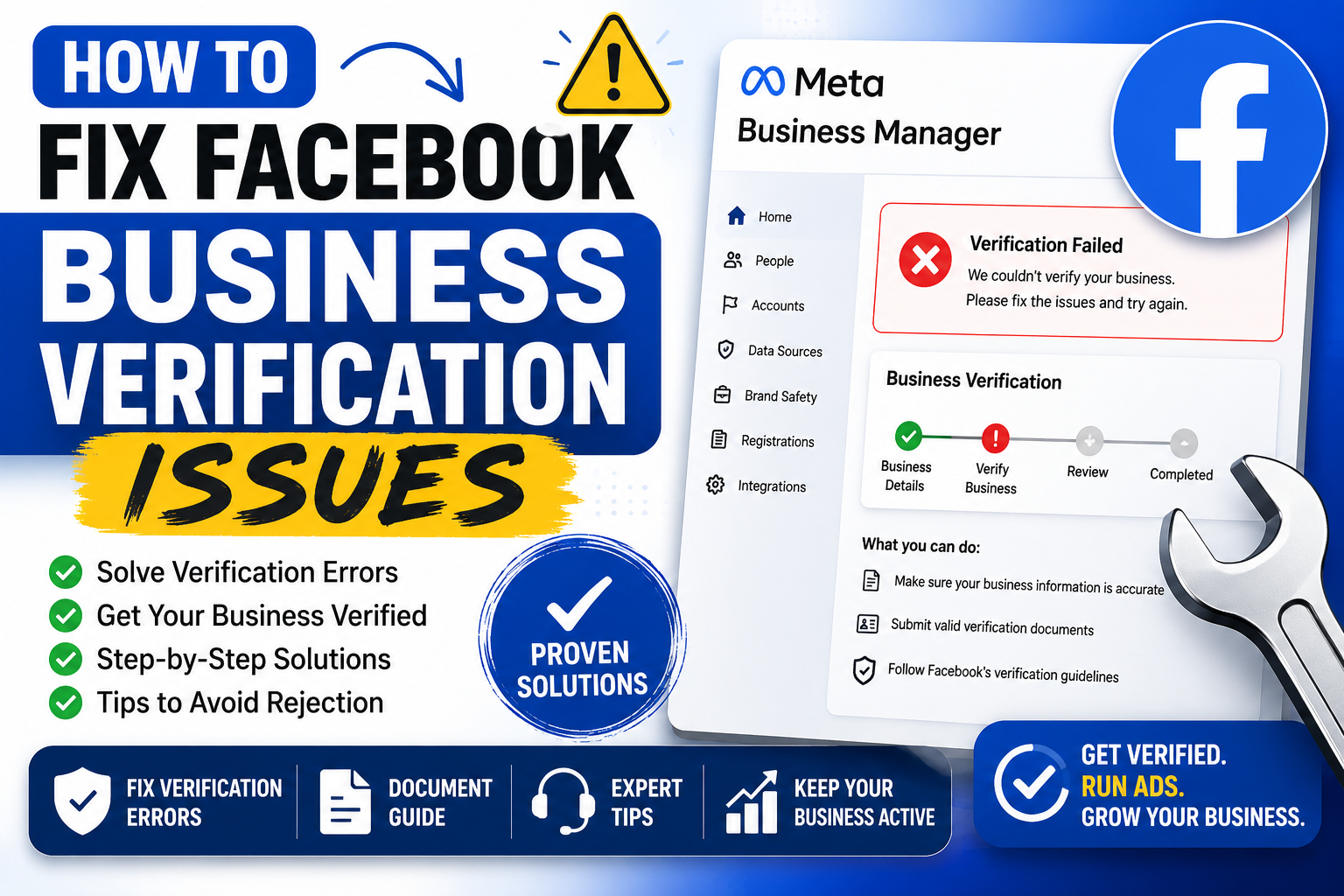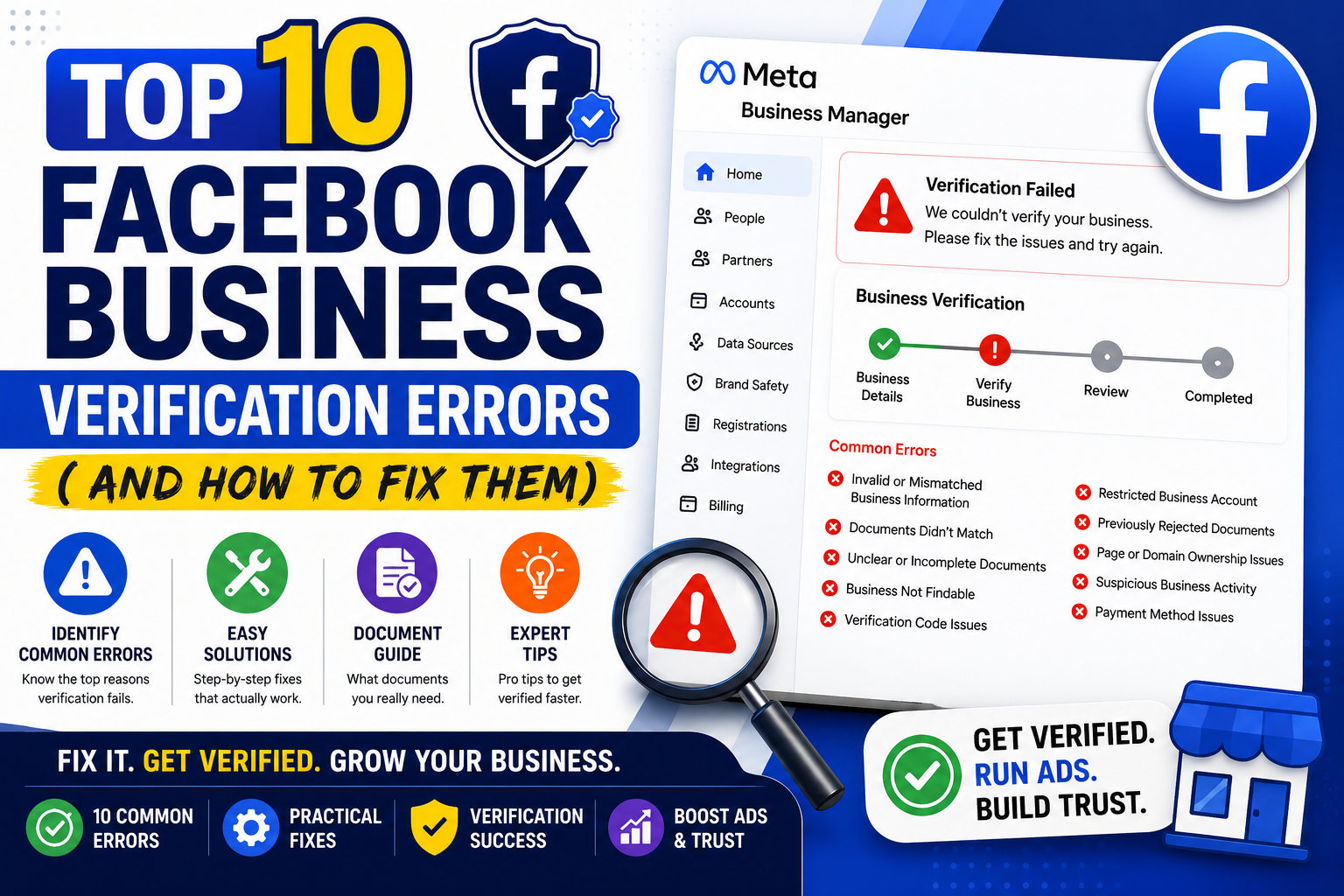
Getting a business verified on Facebook sounds simple. Upload some documents, wait a few days, done. Reality bites harder. Thousands of business owners hit a wall of rejections every month, often without clear explanation. Below, ten culprits behind failed verifications, plus practical fixes for each.
1. Business Name Mismatch
Meta cross-checks your submitted name against government records, tax filings, and even your website footer. A tiny discrepancy, like "Smith Consulting LLC" versus "Smith Consulting," can trigger rejection instantly.
Fix: Pull your legal name straight from your incorporation documents. Copy it exactly. Punctuation matters. Abbreviations matter too.
2. Outdated or Blurry Documents
Scanned receipts from three years ago rarely pass muster. Neither do blurry phone photos taken under bad lighting. Reviewers need crisp, legible files showing current information.
Fix: Scan documents fresh using a flatbed scanner or a dedicated scanning app. Ensure every corner is visible and text stays sharp. Avoid glare at all costs.
3. Address Inconsistency Across Platforms
Your Google Business Profile says one address. Your website footer says another. Facebook notices these gaps and flags them as red flags for fraud prevention.
Fix: Audit every platform where your business appears online. Standardize the address format everywhere, down to abbreviations like "St." versus "Street." Consistency wins trust with algorithms and humans alike.
4. Wrong Document Type Submitted
Some owners upload a driver's license when Meta specifically requests business registration paperwork. Personal identification rarely substitutes for corporate proof, and reviewers reject these swaps quickly.
Fix: Check Meta's accepted document list before uploading anything. Articles of incorporation, business licenses, tax filings, and utility bills under the business name typically work best. When unsure, submit two forms rather than one.
5. Unverified Domain Ownership
Many businesses forget to verify domain ownership through Business Manager settings. Without this step, Meta cannot confirm you actually control the website tied to your Page.
Fix: Head into Business Settings, locate Brand Safety, then Domains. Add your domain and follow the DNS or HTML file verification steps carefully. This process, though technical, rarely takes longer than fifteen minutes once you understand it.
6. Tax ID or EIN Errors
A mistyped digit in your Employer Identification Number causes instant mismatches against IRS databases. Small typos create surprisingly large headaches during review.
Fix: Double-check every digit against your official EIN confirmation letter. Copy and paste rather than retyping manually whenever possible. One misplaced number derails the entire submission.
7. Multiple Admins Creating Conflicting Requests
When several people manage a single Business Manager account, duplicate or conflicting verification requests sometimes get submitted simultaneously. Meta's system flags this as suspicious activity.
Fix: Designate one point person for verification tasks. Communicate clearly across your team before anyone touches the settings again. Chaos behind the scenes often becomes visible on Meta's end, so keep things tidy.
8. Phone Number Verification Failures
Landlines sometimes fail automated verification calls. Numbers routed through virtual systems or call centers can also trigger failures, since Meta struggles to confirm ownership through those channels.
Fix: Use a direct mobile number tied to your business whenever feasible. Test the number beforehand to confirm it receives calls and texts reliably. Skip forwarding services during this particular step.
9. Business Category Mismatch
Selecting "Retail" when your actual operations involve consulting services creates friction. Reviewers compare your stated category against your website content and public records, and mismatches raise suspicion.
Fix: Choose the category matching what your business truly does day to day. Update your website copy if it contradicts your Facebook Page category. Alignment across every touchpoint speeds approval considerably.
10. Ignoring Rejection Feedback
Perhaps the biggest blunder involves resubmitting identical documents after a rejection without reading Meta's feedback. Reviewers often specify exactly what went wrong, yet many owners skip straight past that message.
Fix: Read every rejection notice thoroughly before touching anything else. Address the specific issue mentioned rather than guessing blindly. Patience here saves weeks of repeated failed attempts down the road.
Final Thoughts
Facebook's verification process exists for good reason: fraud prevention, brand safety, and platform trust all depend on accurate business data. Frustrating as rejections feel, most stem from fixable, mundane errors rather than deep systemic problems. Slow down, gather clean documentation, and align your information across every platform where your business shows up online.
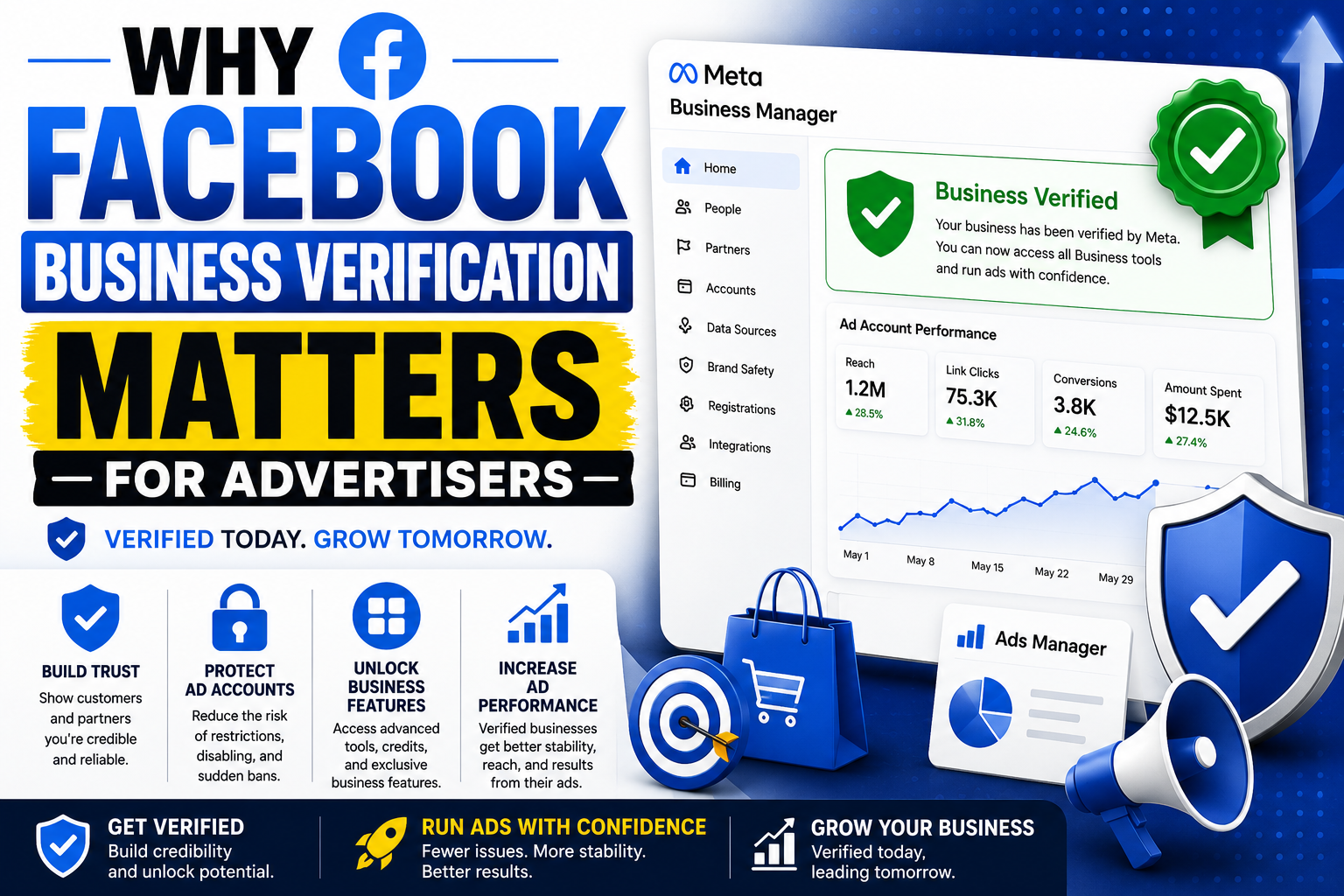
Once verified, your Page gains a badge signaling legitimacy to customers and partners browsing your profile. That small blue checkmark carries real weight, especially in industries where trust drives conversions. Treat the process with care, and you will likely clear it faster than you expect.
Businesses juggling multiple locations or complex ownership structures should budget extra time. Layers of paperwork mean more room for tiny errors to creep in unnoticed. A second set of eyes, perhaps a colleague unfamiliar with the details, often catches mistakes the original filer missed entirely.
Persistence pays off here more than perfection. Even seasoned marketers stumble through this process once or twice before nailing it. Learn from each rejection, tighten your documentation, and resubmit with confidence rather than dread.