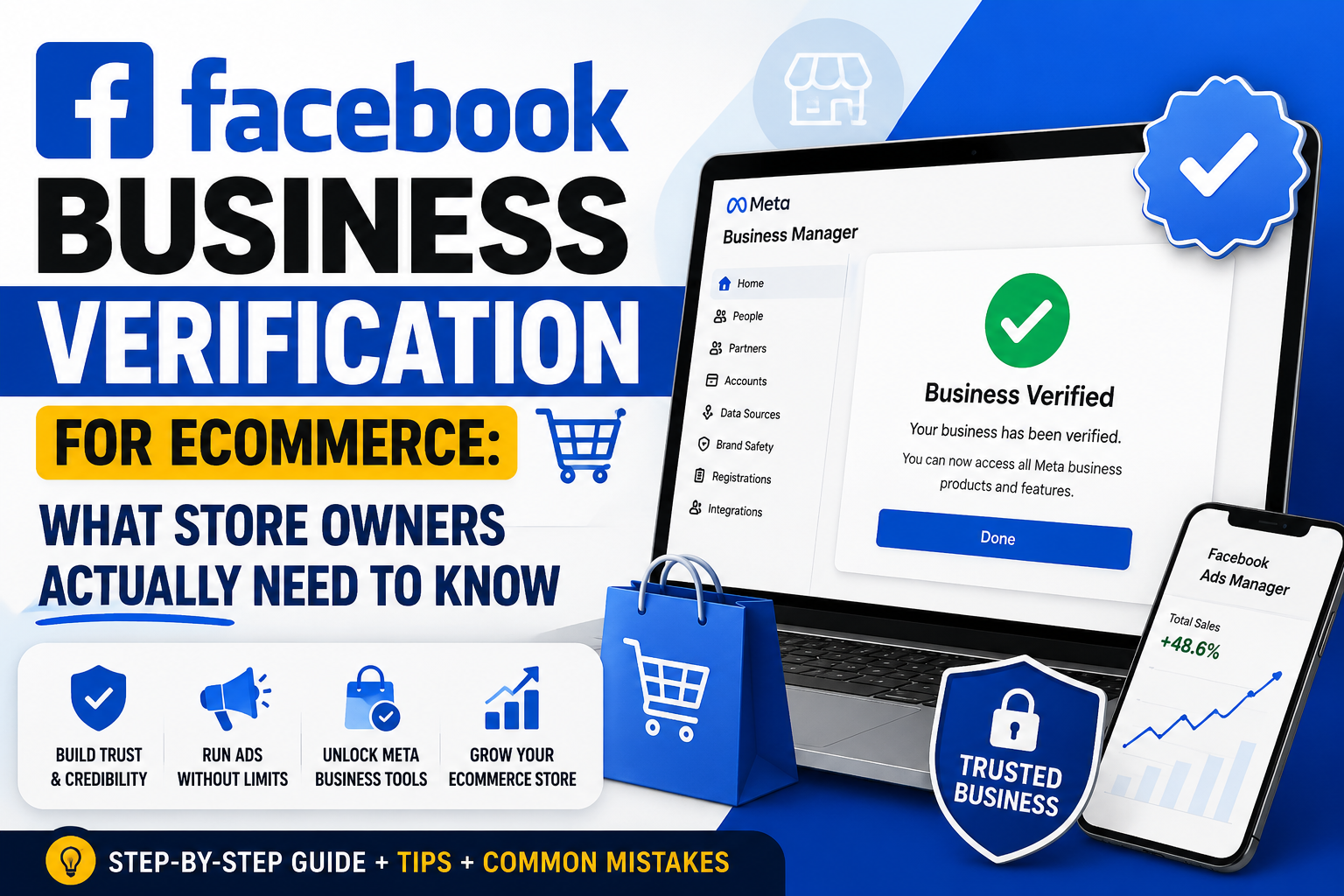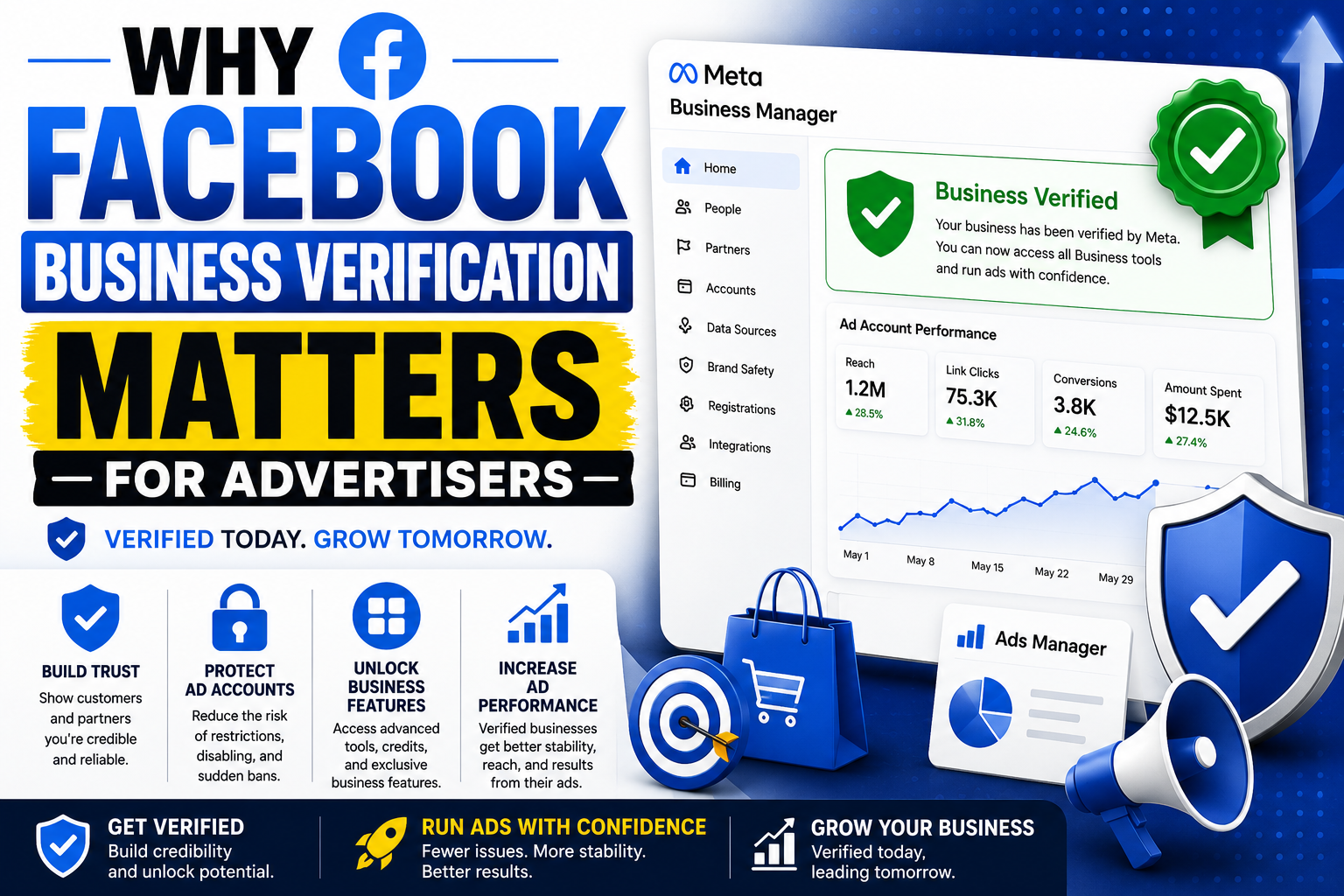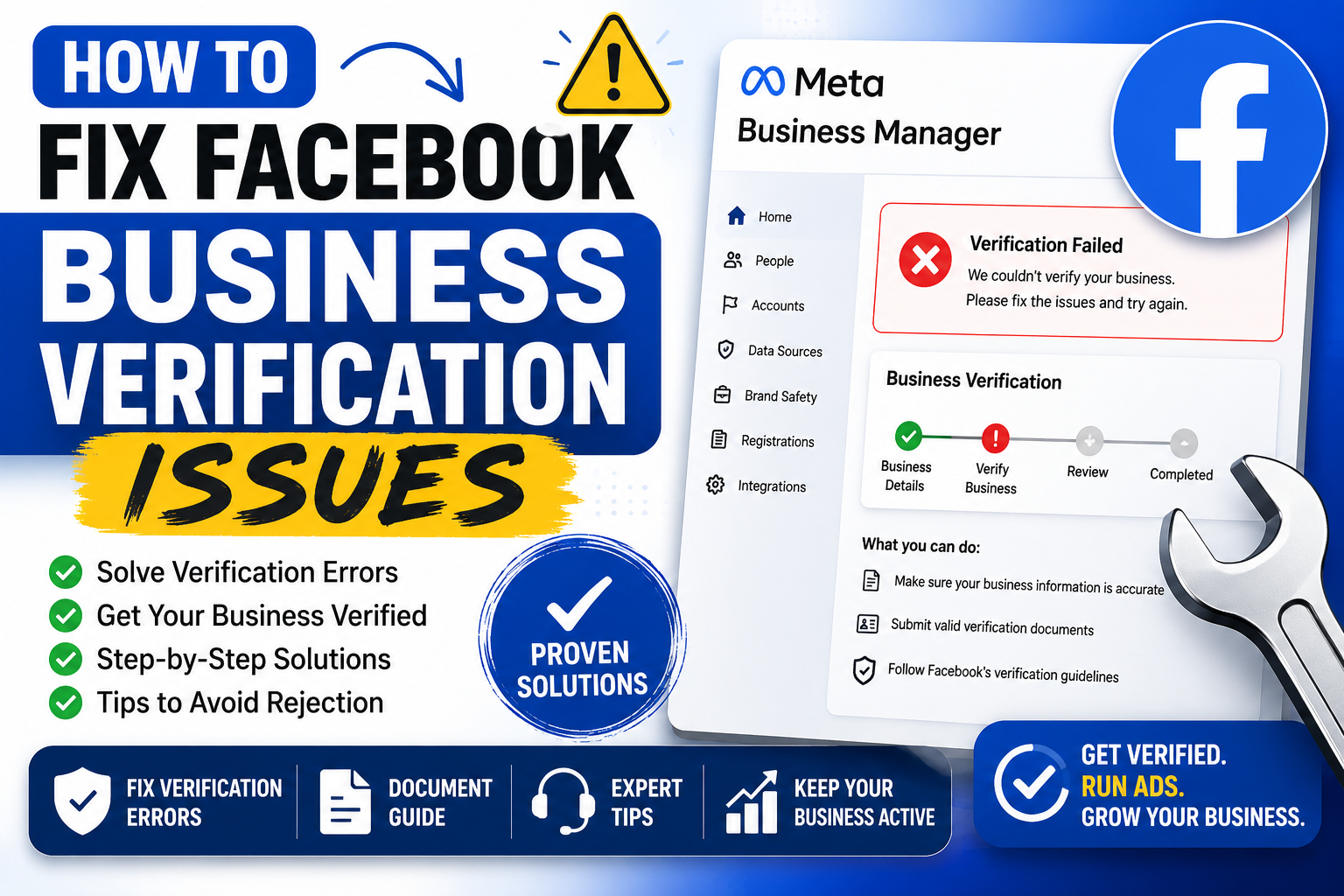
Getting rejected during Facebook Business verification feels maddening. You submit documents. You wait. Then comes a vague denial with zero explanation. Thousands of business owners hit this wall every month, and most give up too soon. Below you'll find practical fixes, ranked roughly by how often they solve the problem.
Why Verification Fails in the First Place
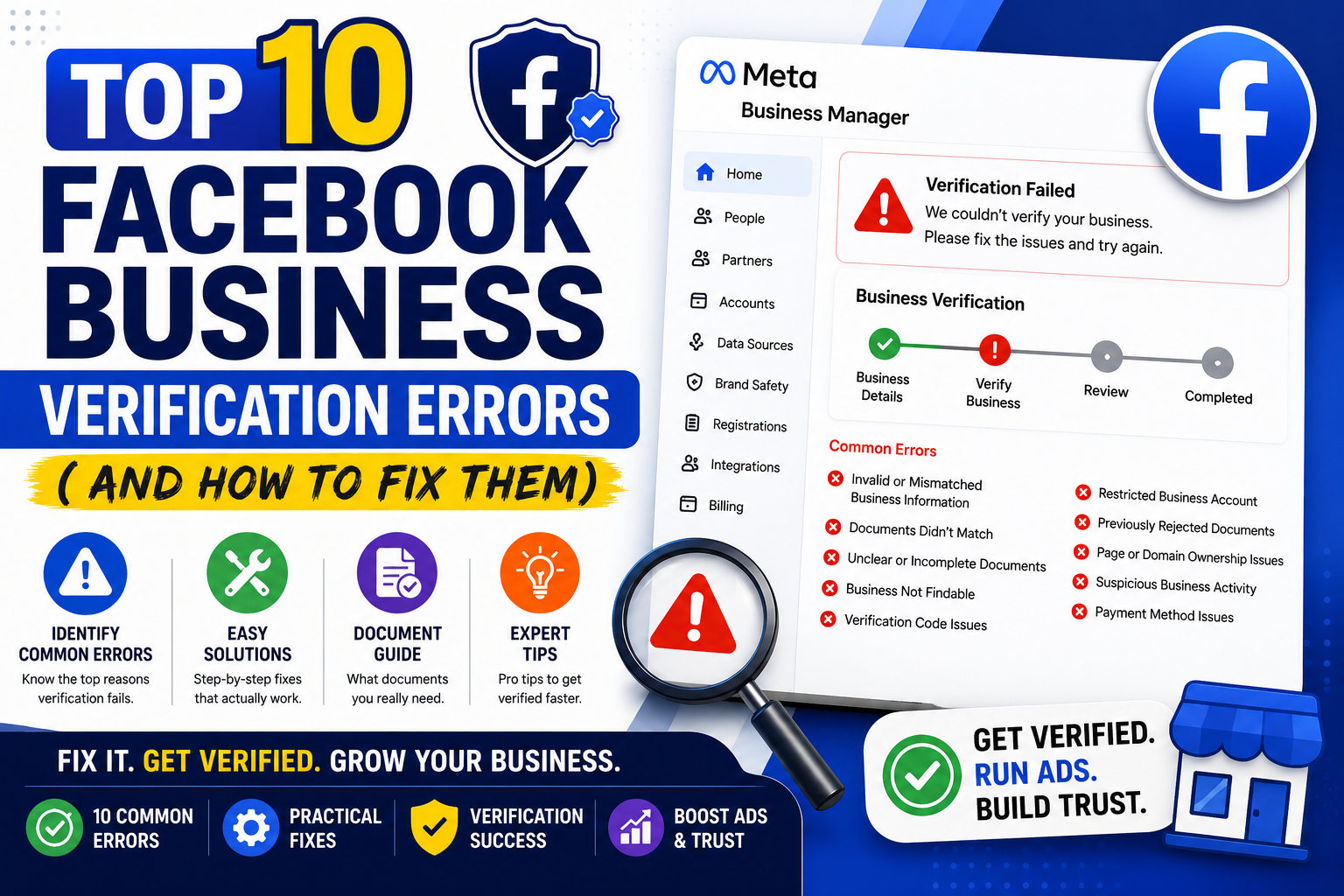
Meta's verification system cross-checks several data points at once: your business name, address, tax ID, and website domain all need to match across every platform. A mismatch anywhere triggers an automatic rejection, often without a clear reason given.
Common culprits include:
- Your legal business name differs slightly from what's listed on your Facebook Page
- Your address on file doesn't match government registration records
- Your domain lacks proper ownership verification through DNS or file upload
- You're using a personal profile that Meta hasn't fully authenticated yet
Sometimes rejection has nothing to do with your paperwork. Server hiccups, backlog surges, or regional processing delays can stall approval for weeks. Frustrating? Absolutely. Fixable? Usually.
Step One: Audit Your Business Information
Before resubmitting anything, pull up three sources side by side: your government business registration, your Facebook Business Manager settings, and your website's footer or About page. Every detail should align exactly.
Watch for sneaky inconsistencies. "LLC" versus "L.L.C." trips people up constantly. So does an old suite number nobody bothered to update after an office move. Meta's algorithm isn't forgiving here, so precision matters more than you'd expect.
Grab your Employer Identification Number or equivalent tax document and confirm it matches what you entered during setup. Even a single transposed digit will tank your application.
Step Two: Verify Domain Ownership Properly
Domain verification trips up more applicants than any other step, largely because there are three separate methods, and picking the wrong one wastes time.
DNS TXT record method: Log into your domain registrar and add the TXT record Meta provides. Propagation can take anywhere from a few minutes to 48 hours, so don't panic if it's not instant.
HTML file upload: Download the verification file from Business Manager and upload it to your website's root directory. This works fast for anyone with direct server access, though it's clunky for folks stuck on limited hosting plans.
Meta tag method: Paste a snippet into your site's header code. WordPress users often find this the simplest route since most themes offer a header-editing plugin.
Pick whichever method matches your technical comfort level, then double-check the record actually saved before requesting a recheck.
Step Three: Prepare Rock-Solid Documentation
Meta wants official documents, not screenshots of your logo on a coffee mug. Acceptable proof typically includes articles of incorporation, a recent utility bill under the business name, or a government-issued business license.
A few tips that genuinely move the needle:
Upload documents dated within the last three months when possible. Older paperwork sometimes gets flagged as stale, even when nothing has legally changed. Scan everything at high resolution too, because blurry uploads get auto-rejected by the review bot before a human even glances at them.
Avoid submitting personal ID as a substitute for business documentation unless Meta specifically requests it. Mixing the two often confuses their system and delays things further.
Step Four: Use the Right Support Channel
Not every business gets access to live chat support, and that's genuinely annoying. If you manage ad spend above a certain threshold, though, you likely qualify for direct Meta Business Support through your Business Manager dashboard.
For everyone else, the Meta Business Help Center offers a ticketing system buried a few clicks deep under Settings. It's slow, sometimes taking five to seven business days for a reply, yet it beats shouting into the void on social media.
Some folks swear by reaching out through Meta's official Twitter/X support handle. Results vary wildly depending on staffing that week, so treat it as a backup plan rather than your primary strategy.
Step Five: Resubmit Strategically, Not Repeatedly
Here's where impatience wrecks people. Spamming the resubmit button every hour doesn't speed anything up; it actually pushes you further back in the review queue on some systems.
Wait at least 24 to 48 hours after making corrections before trying again. Use that window to triple-check every field one final time. Small errors compound quickly, and a second rejection often takes longer to appeal than the first.
If you've been denied three or more times, consider starting an entirely fresh Business Manager account rather than continuing to hammer away at a flagged one. Sometimes accounts pick up an invisible reputation hit after repeated failures, and a clean slate genuinely works better.
When Nothing Seems to Work
Occasionally the fix isn't procedural, but structural. Newly formed businesses lacking a long paper trail, or companies whose industry sits in a higher-risk category (finance, health supplements, alcohol), face extra scrutiny automatically. Patience becomes your only real tool in these cases.
Consider building out your online footprint in the meantime. A more established website, active social presence, and consistent NAP (name, address, phone) data across directories like Google Business Profile all quietly strengthen future verification attempts, even ones you haven't submitted yet.
Final Thoughts
Facebook Business verification rewards consistency above almost everything else. Match your details everywhere, document thoroughly, and resist the urge to rush resubmissions. Most rejections trace back to a tiny mismatch somewhere in your paperwork chain, not some mysterious algorithmic grudge against your company.
Fix the small stuff first. The bigger headaches tend to resolve themselves once the foundation lines up properly.