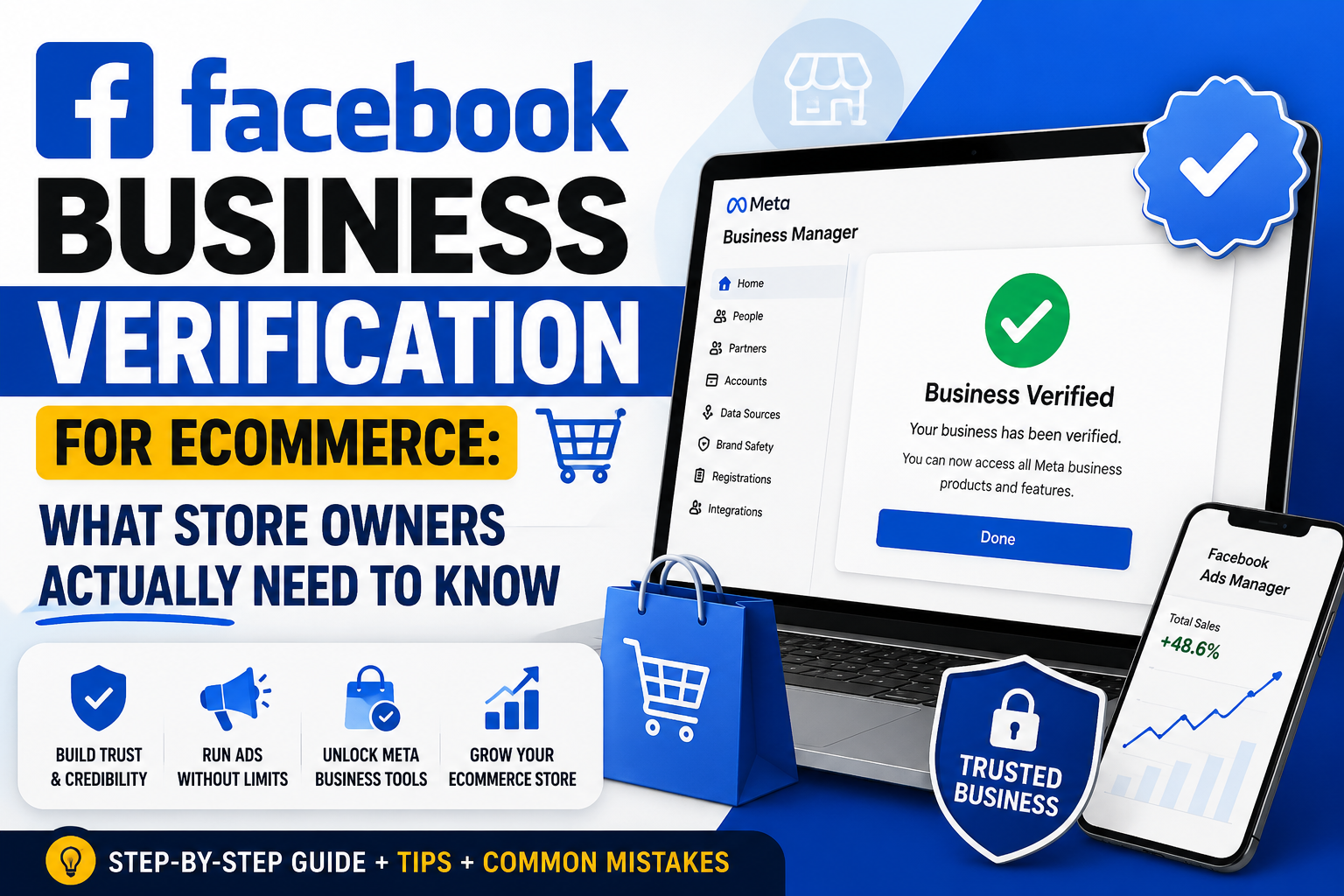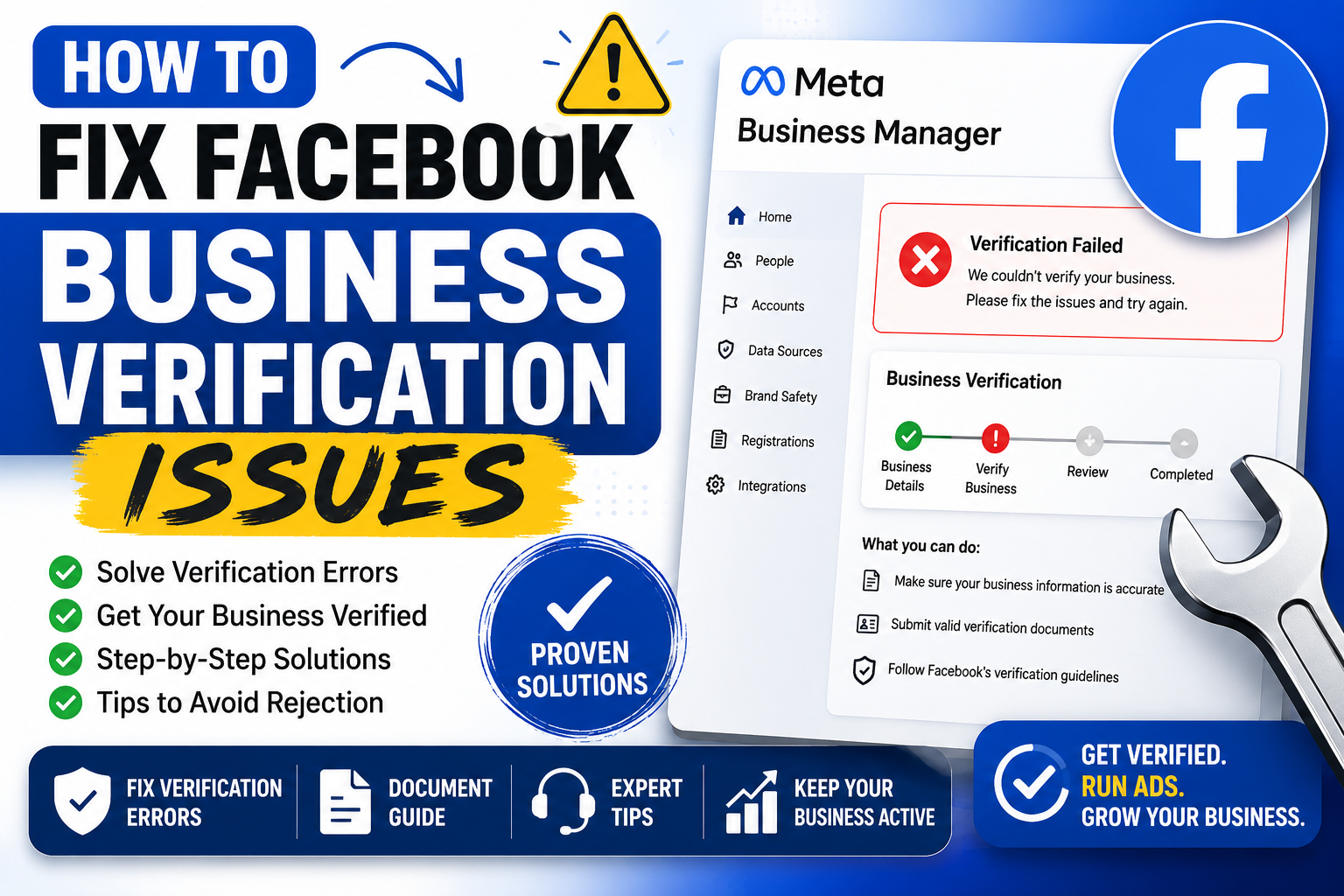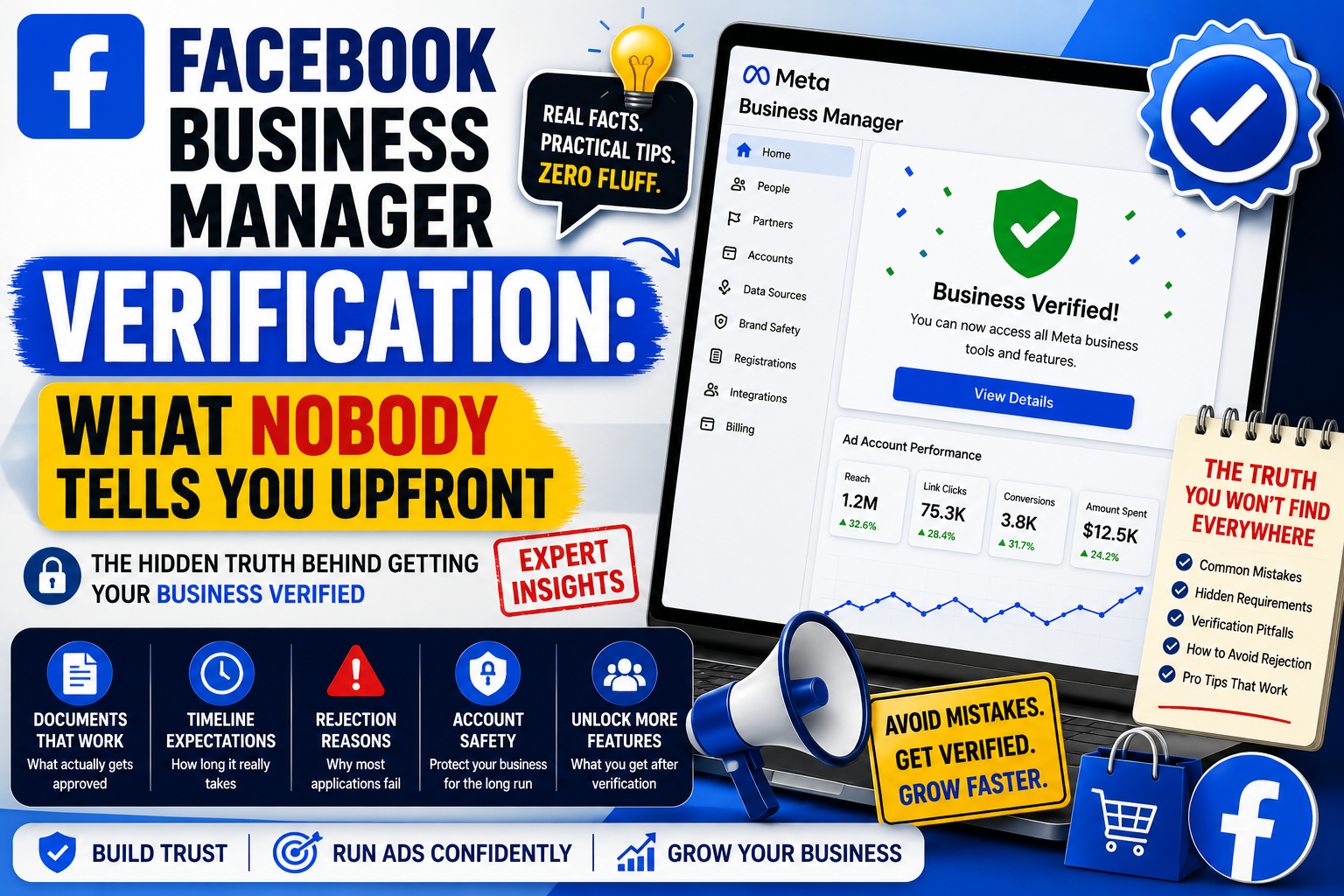
Getting verified on Facebook Business Manager sounds simple until you actually try it. Then reality hits. Documents get rejected. Support goes quiet for days. Meanwhile your ad accounts sit frozen, bleeding potential revenue while competitors keep spending. This guide walks through what verification really involves and why so many businesses turn to a paid verification service instead of grinding through Meta's process solo.
Why Verification Even Exists
Meta rolled out Business Manager verification to fight fraud, impersonation, and shady ad practices. Fair enough. Fake accounts running scam ads had become a genuine mess, and advertisers with legitimate operations were getting lumped together with bad actors. So Meta tightened the gate. Now, before you can run ads at scale, manage multiple ad accounts, or unlock higher spending limits, you often need to prove your business is real.
That proof comes through document submission: business licenses, utility bills, articles of incorporation, tax IDs — whatever ties your legal name to your Business Manager profile. Sounds straightforward on paper. In practice, it's a maze full of odd rejection reasons and vague error messages.
The Painfully Common Roadblocks
Here's where things go sideways for most business owners.
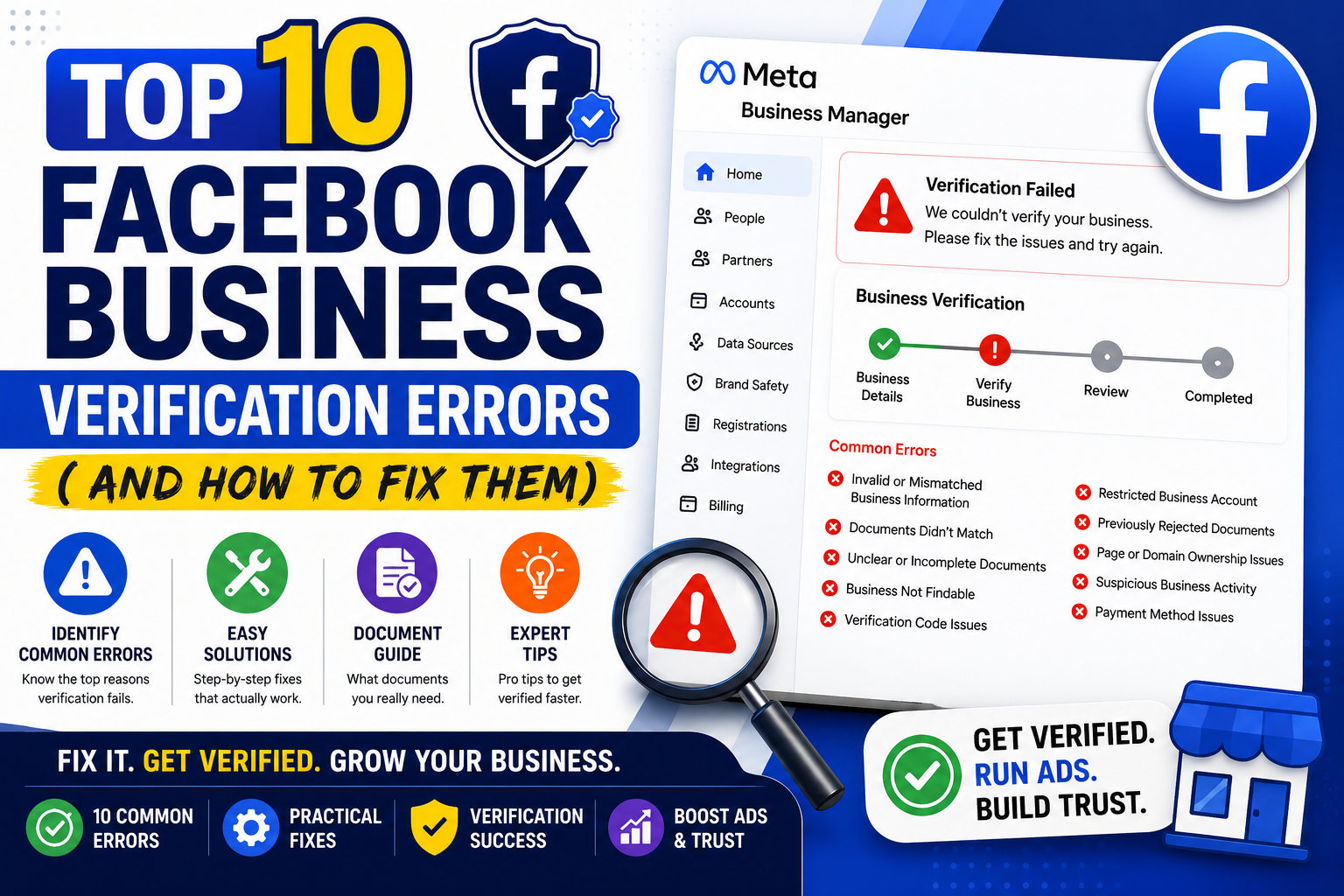
Document mismatches. Your business name on the utility bill says "Johnson Consulting LLC." Your Business Manager profile says "Johnson Consulting." One tiny discrepancy and boom, rejected. Meta's automated systems are notoriously unforgiving about formatting.
Outdated addresses. You moved offices eight months ago and never updated your registration paperwork. Meta cross-references everything, and if your submitted document shows an old address that doesn't match your current business listing, expect a denial.
Ban waves and account flags. Sometimes verification gets denied not because of your documents at all, but because your account tripped some invisible fraud-detection trigger. Nobody tells you this directly. You just get a rejection with zero explanation.
Endless support loops. Meta's support for Business Manager issues can feel like shouting into a canyon. Tickets sit unanswered for a week or longer. Chatbots loop you through the same three troubleshooting steps regardless of your actual problem.
Given all that, it's no surprise agencies and solo marketers alike look for shortcuts.
What a Verification Service Actually Does
A Facebook Business Manager verification service typically handles the entire submission process on your behalf. Rather than you fumbling through Meta's business help center at midnight, a specialist reviews your documents beforehand, catches formatting errors early, and submits everything in the exact format Meta's systems expect.
Good providers also maintain relationships or workflows that speed up appeal processes when initial submissions get flagged. They've seen thousands of rejections across countless industries, so patterns emerge — quirks about which document types Meta favors, which formats trigger automatic denials, and which support channels actually respond faster than others.
Some services go further, offering:
- Pre-verified Business Manager accounts ready to transfer
- Ongoing account health monitoring after verification
- Assistance escalating disputes when accounts get restricted
- Guidance on domain verification, which runs parallel to business verification
That last one matters more than people realize. Domain verification and business verification aren't the same thing, yet they're frequently confused, and mixing them up wastes precious time.
Should You Actually Pay for This?
Depends heavily on your situation. If you're a solo entrepreneur running one modest ad account with a $500 monthly budget, paying someone else to verify your business might not be worth the cost. You could likely muddle through it yourself with some patience and a folder full of clean documents.
But if you're an agency managing dozens of client accounts, or a mid-size ecommerce brand pushing serious ad spend, downtime because of verification hiccups gets expensive fast. Every day your account sits unverified is a day you can't scale campaigns, add team members freely, or access certain advanced features. For businesses at that level, a verification service often pays for itself within the first week simply by avoiding lost ad time.
There's also the stress factor, frankly underrated. Dealing with Meta's opaque appeal system solo can eat hours of your week, and honestly, that time has value too.
Red Flags to Watch For
Not every verification service operates ethically, so tread carefully. Watch out for:
- Providers guaranteeing 100% approval, since nobody can honestly promise that given Meta's unpredictable review process
- Services asking for your actual login credentials rather than working through proper business admin access
- Suspiciously cheap pricing that seems too good given the labor involved
- No verifiable track record, reviews, or case studies
Legitimate providers will explain their process transparently, set realistic expectations about timelines, and never ask you to violate Meta's terms of service through fake documentation or identity spoofing. If a service pitches document forgery or account cloaking as a "solution," walk away immediately — that's the fastest route to a permanent ban.
Final Thoughts
Facebook Business Manager verification shouldn't feel like solving a riddle wrapped in bureaucracy, yet here we are. Meta's fraud-prevention goals are reasonable, sure, but the execution leaves plenty to be desired for honest business owners just trying to run legitimate ad campaigns.
Whether you tackle verification solo or bring in professional help really comes down to your bandwidth, your ad spend, and how much downtime you can tolerate. Either way, get your documents pristine, match every name and address exactly, and expect at least one round of back-and-forth before Meta finally gives you that green checkmark.