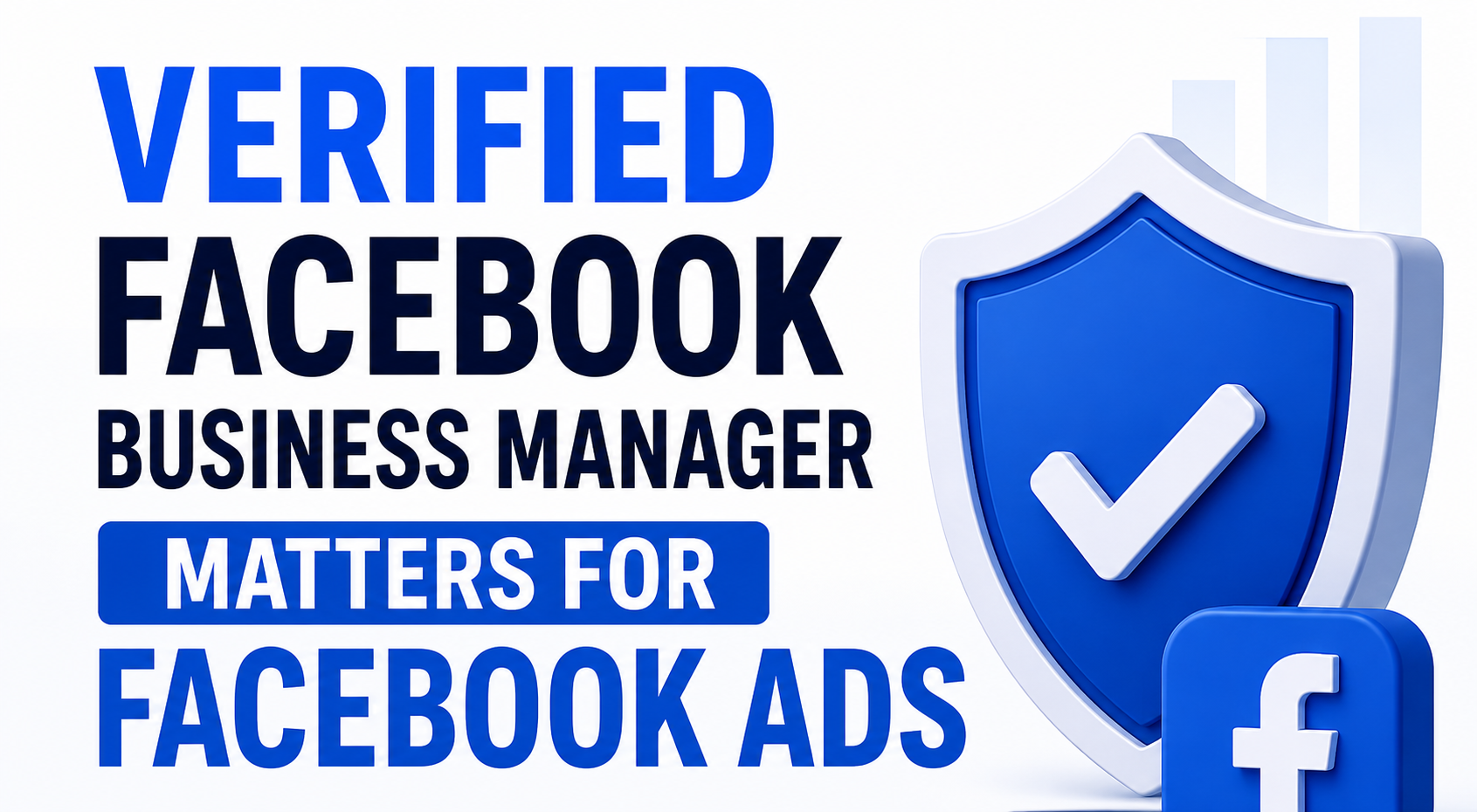
A verified Facebook Business Manager matters because it proves to Meta that your business is a real, legally registered entity. Verified accounts are far less likely to be flagged, restricted, or permanently banned, they unlock higher ad spending limits and advanced features (like WhatsApp Business API and expanded developer tools), and they give your ad accounts a layer of protection that unverified accounts simply don't have. If you're running — or planning to run — Facebook or Instagram ads at any real scale, verification isn't optional. It's infrastructure.
Below, we break down exactly what verification does, why Meta requires it, and what happens if you skip it.
What is Facebook Business Manager verification?
Facebook Business Manager verification (technically called Meta Business Verification) is the process where Meta confirms that the business behind an ad account is a legitimate, legally operating company. You submit details like your legal business name, registered address, and phone number, and in many cases supporting documents such as a business license, tax registration certificate, or a recent utility bill.
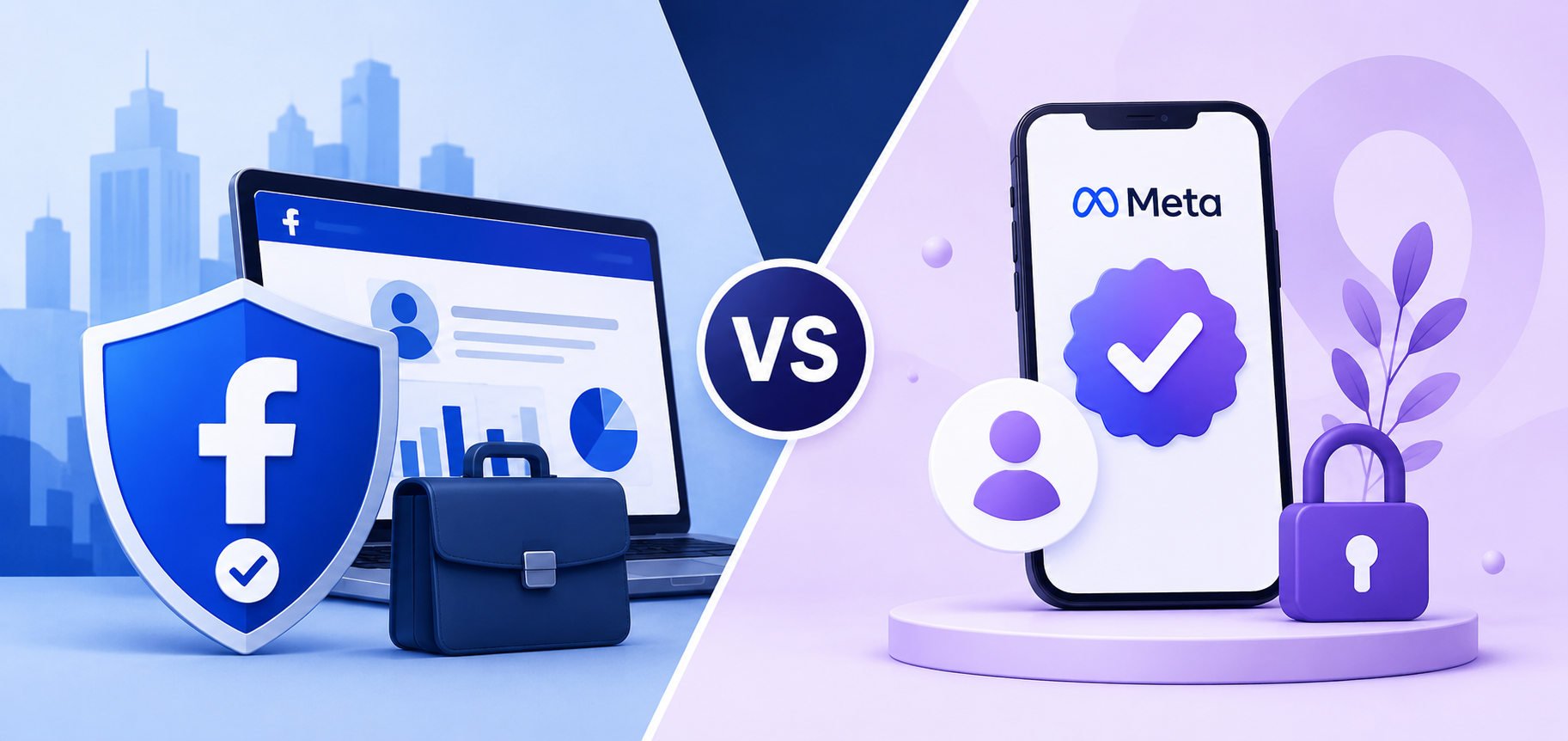
It's worth clearing up a common point of confusion right away: business verification is not the same as "Meta Verified." Meta Verified is a paid subscription that gets you a blue checkmark and account support. Business verification is a free, backend process that confirms your business is real and controls the assets — Pages, ad accounts, pixels, catalogs — inside your Business Manager. This article is about the latter, since that's the piece that directly affects your ability to run ads safely.
Why verification matters for Facebook ads
1. It protects your ad accounts from bans and restrictions
Meta processes an enormous volume of ad spend from businesses it has never met in person, so it leans heavily on automated systems to catch fraud, scams, and policy violations. Those systems are naturally more cautious with accounts that have no proof of who's actually behind them. An unverified Business Manager looks, to Meta's systems, indistinguishable from a throwaway account created for spam or ban evasion — even if you're running a completely legitimate business.
Verification acts as a trust signal. Once Meta has confirmed your business identity, its systems have less reason to treat routine account activity as suspicious, which lowers the odds of sudden ad account restrictions, disabled ad accounts, or a banned Business Manager over ambiguous or borderline activity.
2. It raises your ad spending limits
New and unverified ad accounts are typically capped on daily or lifetime spend. As you build a track record — and especially once your business is verified — Meta becomes more willing to lift those caps. This matters a lot if you're scaling: agencies and advertisers who need to spend tens of thousands of dollars a month routinely hit spending ceilings that verification helps raise.
3. It unlocks features unverified accounts can't access
A number of advertising and business tools sit behind the verification wall, including:
- Higher ad account and Page creation limits inside one Business Manager
- Access to the WhatsApp Business Platform API for messaging at scale
- Certain developer permissions and API access levels
- Expanded billing and spending options
- Smoother access when entering regulated ad categories (finance, healthcare, housing, etc.)
If your growth plans include any of these, verification is a prerequisite, not a nice-to-have.
4. It simplifies management across multiple assets
Verification applies at the business portfolio level, not per Page or per ad account. That means once you're verified, every Page, ad account, Instagram profile, or Threads profile connected to that same Business Manager inherits the trust — you don't need to re-verify each one separately. For agencies or businesses managing several brands under one roof, this saves a meaningful amount of administrative overhead.
5. It reduces the "surprise shutdown" risk
Perhaps the biggest practical reason to verify: advertisers who get hit with an unexpected account disable almost always describe it the same way — no warning, campaigns live one day, everything frozen the next. Verification doesn't make you immune to enforcement action, but it does give Meta a documented, confirmed identity to work with, which generally means fewer false positives and a clearer path to resolution if something does go wrong.
What happens if you don't verify?
Skipping verification doesn't necessarily mean instant failure — many small advertisers run modest campaigns for months on unverified accounts without issue. But the risk compounds as you scale:
- You'll likely hit spending caps sooner and have a harder time getting them raised
- Your account carries a higher baseline suspicion score in Meta's automated review systems
- You won't be able to access WhatsApp Business API, certain developer tools, or higher billing thresholds
- If your account does get flagged, you may have fewer options to quickly prove legitimacy and get reinstated
- Agencies managing client accounts on your behalf may refuse to work with an unverified Business Manager, since it puts their own account health at risk too
In short: verification is the difference between advertising on solid ground and advertising on borrowed time.
Who should verify their Business Manager?
You should treat verification as essential, not optional, if any of the following apply to you:
- You're planning to spend more than a few thousand dollars a month on Facebook or Instagram ads
- You manage ad accounts for multiple Pages or brands
- You run an agency managing ad accounts for clients
- You operate in a regulated industry (finance, healthcare, housing, employment, politics)
- You want to use WhatsApp Business API for customer messaging
- You've experienced ad account restrictions or disapprovals in the past
Even if none of these apply to you right now, setting up verification early — before you actually need it — means you won't be scrambling to gather documents during a campaign launch or, worse, an account restriction.
Frequently asked questions
Does verifying my Business Manager guarantee my ads won't be banned? No. Verification significantly reduces the risk of false-positive bans and gives Meta more confidence in your identity, but it doesn't exempt you from Meta's advertising policies. Accounts that violate ad policies can still be restricted even when verified.
Is Facebook Business Manager verification free? Yes. Business verification itself is free. It's separate from Meta Verified, which is a paid subscription for a blue checkmark and additional account support.
How long does verification take? Most verifications are completed within one to three business days, though it can take longer — sometimes up to two weeks — during high-volume periods or if additional documentation is requested.
Do I need to verify every Page or ad account separately? No. Verification happens at the business portfolio level. Once verified, all Pages, ad accounts, and connected assets under that same Business Manager benefit from the verified status.
What's the difference between Business Manager verification and Meta Verified? Business Manager verification is a free process that confirms your business is a real, legally registered entity and unlocks advertising, billing, and developer features. Meta Verified is a separate paid subscription that provides a blue checkmark badge, impersonation protection, and account support — it has nothing to do with your ad account's underlying trust status.
Key takeaway
If Facebook or Instagram ads are part of your growth strategy — now or in the near future — a verified Business Manager is one of the highest-leverage, lowest-cost things you can set up. It won't make you bulletproof, but it meaningfully lowers your risk of bans and restrictions, raises your spending ceiling, and unlocks tools you'll eventually need anyway.