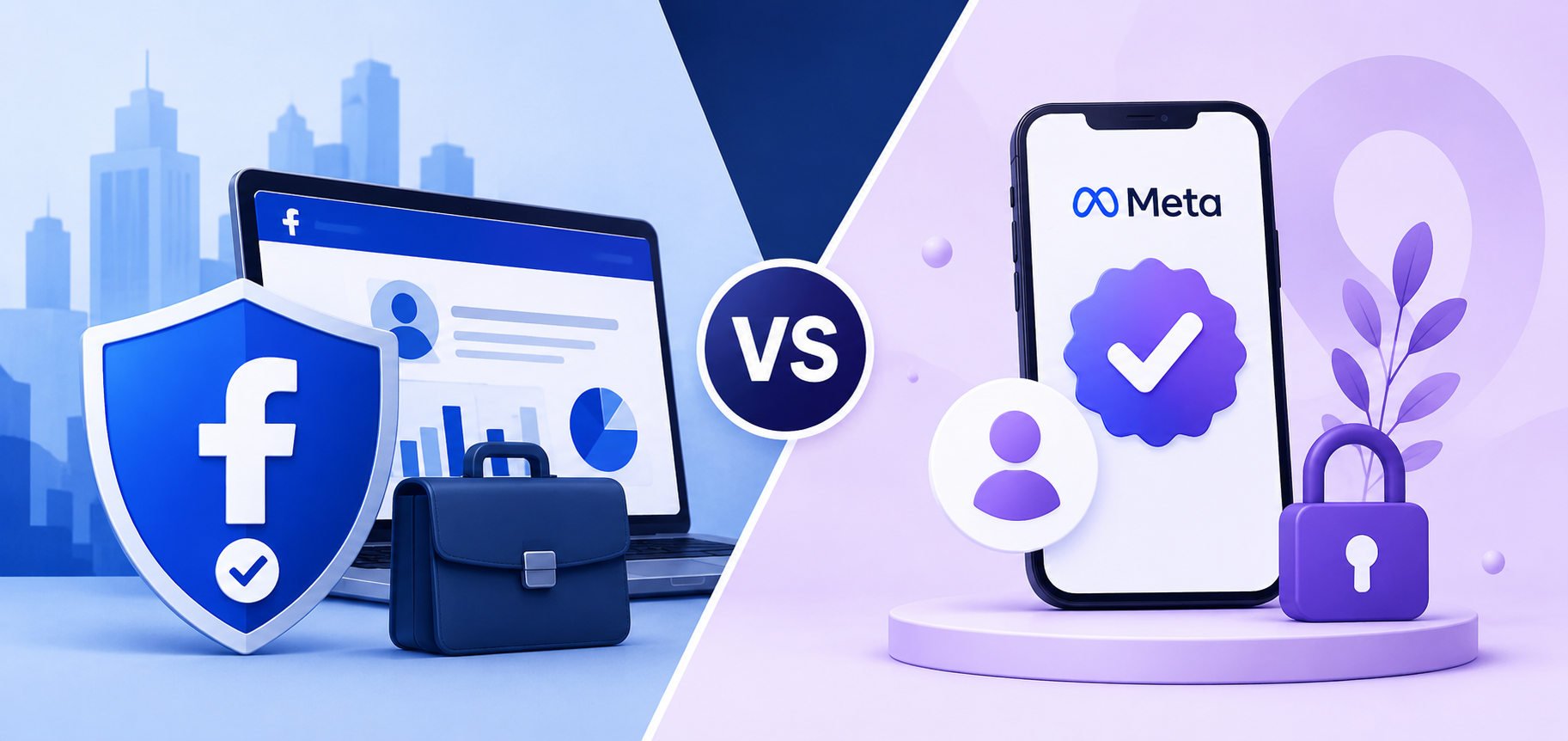
Facebook Business Verification wins on legal compliance and ad account access, while Meta Verified leads on public-facing identity signals and customer trust features. The two serve different purposes and operate through completely separate systems inside Meta’s platform.
Business Verification is a free process inside Meta Business Suite. It confirms the legal identity of the business entity and unlocks operational capabilities such as higher ad spending limits, access to restricted ad categories, and partner-level features. Meta Verified, in contrast, is a paid subscription starting at approximately $14.99 per month (as of 2025). It provides a blue verification badge on the Facebook Page or Instagram profile, enhanced customer support access, impersonation protection, and tools designed for public-facing brand management.
Does Facebook Business Verification Affect Your Ad Account and Spending Limits?
Yes, Facebook Business Verification directly affects ad account spending limits and trust score because Meta uses verification status as a key signal when evaluating how much a business account can spend and how it is treated during policy reviews.
Specifically, unverified business accounts often reach lower default spending thresholds more quickly. When an account hits a spending cap, Meta may require additional verification before increasing it. A business that completes Business Verification before hitting these limits avoids that interruption. Meta does not publish exact figures for how much verification raises a spending limit, but the internal trust score that verification contributes to influences both limit increases and the frequency of ad account reviews.
→ Verification alone does not guarantee your ads will remain active. Every campaign must still comply with Meta’s advertising policies, prohibited content rules, and account quality standards. Understanding what Meta allows and what commonly leads to suspensions helps reduce unnecessary policy reviews and account restrictions.
Do Agencies and Resellers Have Different Verification Requirements on Meta?
Yes, agencies and resellers operating through Meta Business Partner accounts or rented agency ad accounts face additional verification considerations beyond the standard Business Verification process because the business entity on the verified account must match the entity actually running the ads.
For agencies that rent ad accounts to clients, the verification on the account belongs to the agency or account holder – not the individual advertiser using the account. This means advertisers using rented agency accounts benefit from the verification status already attached to the account. They access higher spending limits and reduced policy friction without needing to complete verification on their own account. This is one of the practical advantages that agency ad account rental provides for businesses that want to run ads at scale without going through the verification process independently.
What Is Advertiser Verification on Facebook and How Is It Different from Business Verification?
Advertiser Verification leads on identity confirmation for ad-running individuals, while Business Verification leads on confirming legal entity status for the business as a whole. Business Verification covers the organization; Advertiser Verification covers the person running the ads.
Meta introduced Advertiser Verification as a separate requirement focused specifically on the individual advertiser identity. It applies primarily to people running ads related to social issues, elections, or politics, and requires government-issued ID, sometimes combined with a selfie video. Business Verification, by contrast, applies to the business entity in Meta Business Suite and requires legal business documents rather than personal identity documents. A business can complete Business Verification without triggering Advertiser Verification, and vice versa, depending on the type of ads being run and the account structure in use.
Final Thoughts
Facebook Business Verification is a one-time administrative step that pays off over the entire life of your ad account. The process asks for documents you already have – a registration certificate, a tax document, or a business license – and a few minutes to enter your details correctly in Meta Business Suite.
The businesses that run into problems are almost always the ones that rush the name-matching step or upload a blurry photo from their phone. Fix those two things and the approval rate goes up significantly. If Meta rejects your first submission, read the rejection reason carefully, correct only what they flagged, and resubmit once with the right document.
One distinction worth keeping in mind: Business Verification and Meta Verified are not the same thing. Business Verification is free and handles your legal identity on the platform. Meta Verified is a paid subscription for a badge. Most advertisers need the former, not the latter.
If you are running ads through an agency account, the verification is already handled at the account level. You get the benefits – higher spending limits, reduced policy friction – without going through the process yourself. That is one of the practical reasons businesses choose to work with a verified agency partner rather than building from scratch on their own account.