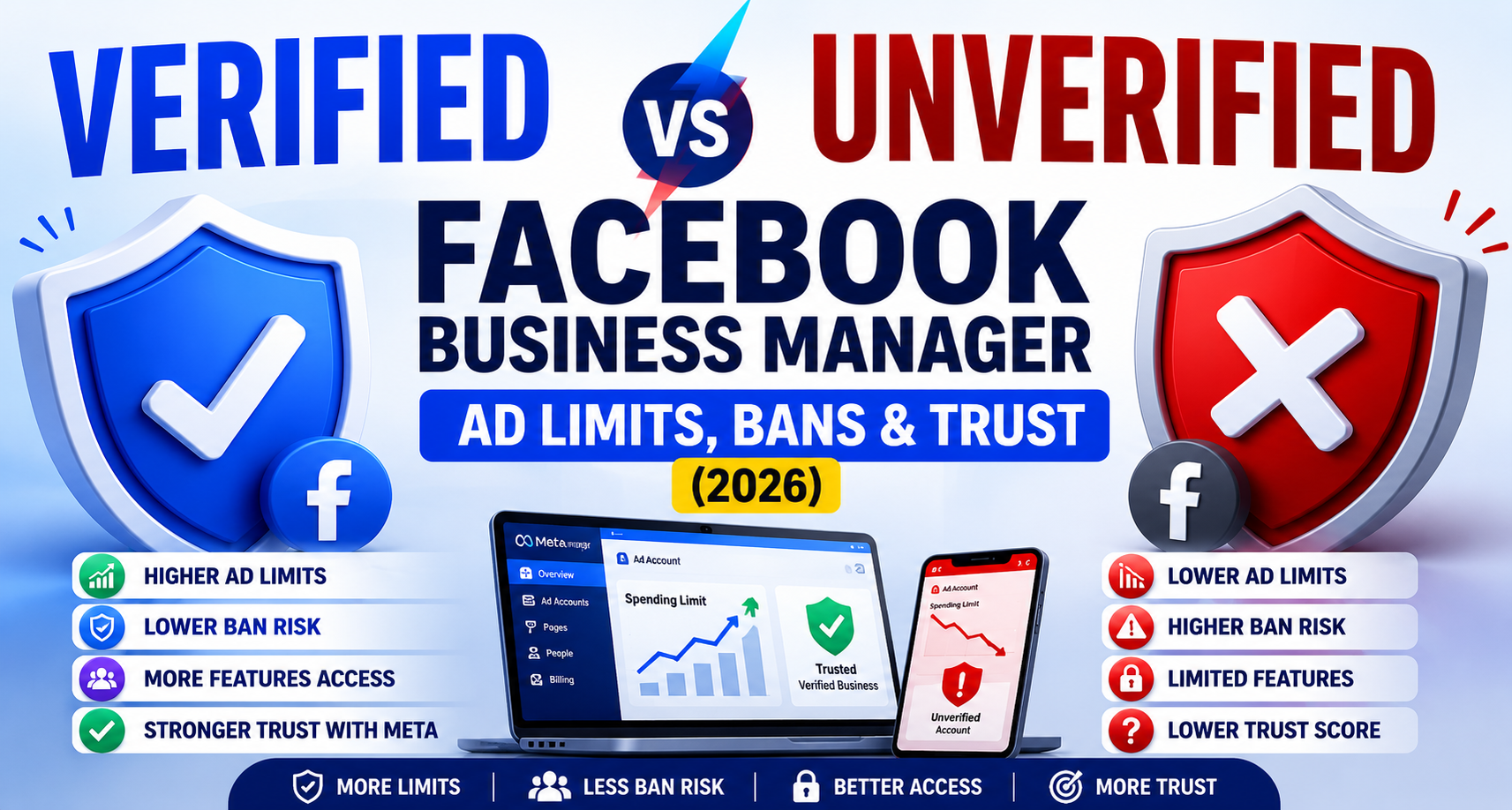
Quick answer: A verified Facebook Business Manager gets higher ad spending limits, a lower risk of sudden bans or restrictions, access to features like WhatsApp Business API, and faster support if something goes wrong. An unverified Business Manager can still run ads, but it operates with tighter caps, a higher baseline suspicion score in Meta's automated systems, and no access to advanced business tools. Below is a full side-by-side breakdown.
The core difference in one sentence
An unverified Business Manager is a Meta-facing black box — an entity Meta's systems know nothing about beyond its behavior. A verified Business Manager is a documented, confirmed identity Meta can cross-reference against legal records. Every difference below flows from that one distinction.
Side-by-side comparison
| Factor | Unverified Business Manager | Verified Business Manager |
|---|---|---|
| Ad spending limits | Lower caps, harder to raise | Higher caps, easier to raise as spend history builds |
| Ban / restriction risk | Higher baseline suspicion in automated review | Lower baseline suspicion; fewer false positives |
| Number of ad accounts / Pages | Limited | Expanded limits |
| WhatsApp Business API access | Not available | Available |
| Developer / API permissions | Restricted | Expanded |
| Regulated ad categories (finance, housing, health) | Often harder to get approved | Generally smoother approval |
| Agency willingness to manage the account | Some agencies decline | Standard practice |
| Recovery speed after a flagged account | Slower, fewer options | Faster, more support paths |
| Multi-asset management | Each asset scrutinized independently | Trust applies portfolio-wide |
| Cost | Free | Free |
Ad spending limits: what actually changes
New and unverified ad accounts almost always start with conservative daily or lifetime spending caps. This is Meta limiting its own exposure to fraud and chargebacks from accounts it can't yet vouch for. As an account builds a clean track record — and especially after verification — Meta becomes more willing to lift those caps.
The practical effect: an unverified Business Manager can hit a spending ceiling right when a campaign is performing well and you want to scale budget, forcing an awkward pause while you request a limit increase. A verified Business Manager is far less likely to hit that wall in the first place.
Ban and restriction risk: the trust gap
This is the difference advertisers feel most acutely. Meta's enforcement systems are automated at scale, and automated systems lean on proxies for trust when they can't verify identity directly — account age, spend velocity, payment method consistency, and so on. An unverified account has fewer of these trust signals to draw on, so borderline activity is more likely to get flagged defensively.
Verification doesn't exempt you from Meta's advertising policies — a verified account that violates policy can still be restricted. What verification changes is the baseline: with a confirmed identity on file, Meta's systems have one more strong signal that the account belongs to a real, accountable business, which reduces false-positive enforcement action.
Feature access: the hard wall
Some features are not a matter of degree — they're simply unavailable until you verify. This includes:
- WhatsApp Business Platform API for messaging at scale
- Certain developer and API permission tiers
- Higher billing and spending thresholds
- Smoother approval into regulated ad categories
If your roadmap includes any of these, there's no unverified path around them. Verification is a hard prerequisite, not a soft recommendation.
Multi-asset management: verified once, trusted everywhere
Verification is granted at the business portfolio level, not per Page or per ad account. An unverified Business Manager means every new Page or ad account you add starts from zero trust in Meta's eyes. A verified Business Manager extends its trust to everything connected underneath it — new Pages, ad accounts, or Instagram profiles inherit the verified status automatically.
For agencies or multi-brand operators, this is one of the most underrated advantages: you're not rebuilding trust from scratch every time you spin up a new asset.
Does verification guarantee anything?
No — and this is worth being direct about. Verification is a trust signal, not immunity. A verified Business Manager can still:
- Have individual ads rejected for policy violations
- Have an ad account restricted for repeated or severe violations
- Face scrutiny in genuinely regulated ad categories
What verification changes is the odds — fewer false positives, faster resolution paths, and a documented identity Meta can work with if a review is needed.
Which situation are you in?
- Running small, occasional campaigns under a few hundred dollars a month: you can likely operate unverified for now, but verifying early costs nothing and removes a future bottleneck.
- Scaling spend, managing multiple brands, or running an agency: verification isn't optional — the caps and trust gap will actively work against you.
- Entering a regulated ad category or planning to use WhatsApp Business API: verification is required, not just recommended.
Frequently asked questions
Can an unverified Business Manager still run Facebook ads? Yes. Verification isn't required to launch ads, but unverified accounts operate with lower spending caps and a higher baseline suspicion score in Meta's automated review systems.
Will verifying my Business Manager stop my ads from ever being rejected? No. Verification reduces the risk of false-positive restrictions tied to identity uncertainty, but individual ads can still be rejected for violating Meta's advertising policies regardless of verification status.
Does verification apply to every ad account I create, or just the first one? Verification applies at the business portfolio level. Every ad account, Page, or connected asset under that same Business Manager inherits the verified status — you don't need to repeat the process for each one.
Is there a downside to verifying my Business Manager? Practically, no. It's free, and the main cost is the time spent gathering and submitting documents. There's no scenario where a legitimate business is worse off for being verified.
Key takeaway
The gap between a verified and unverified Business Manager isn't cosmetic — it shows up directly in your spending limits, your exposure to false-positive bans, and which advertising features you can even access. If you're serious about scaling on Meta's platforms, verification is the foundation everything else sits on.