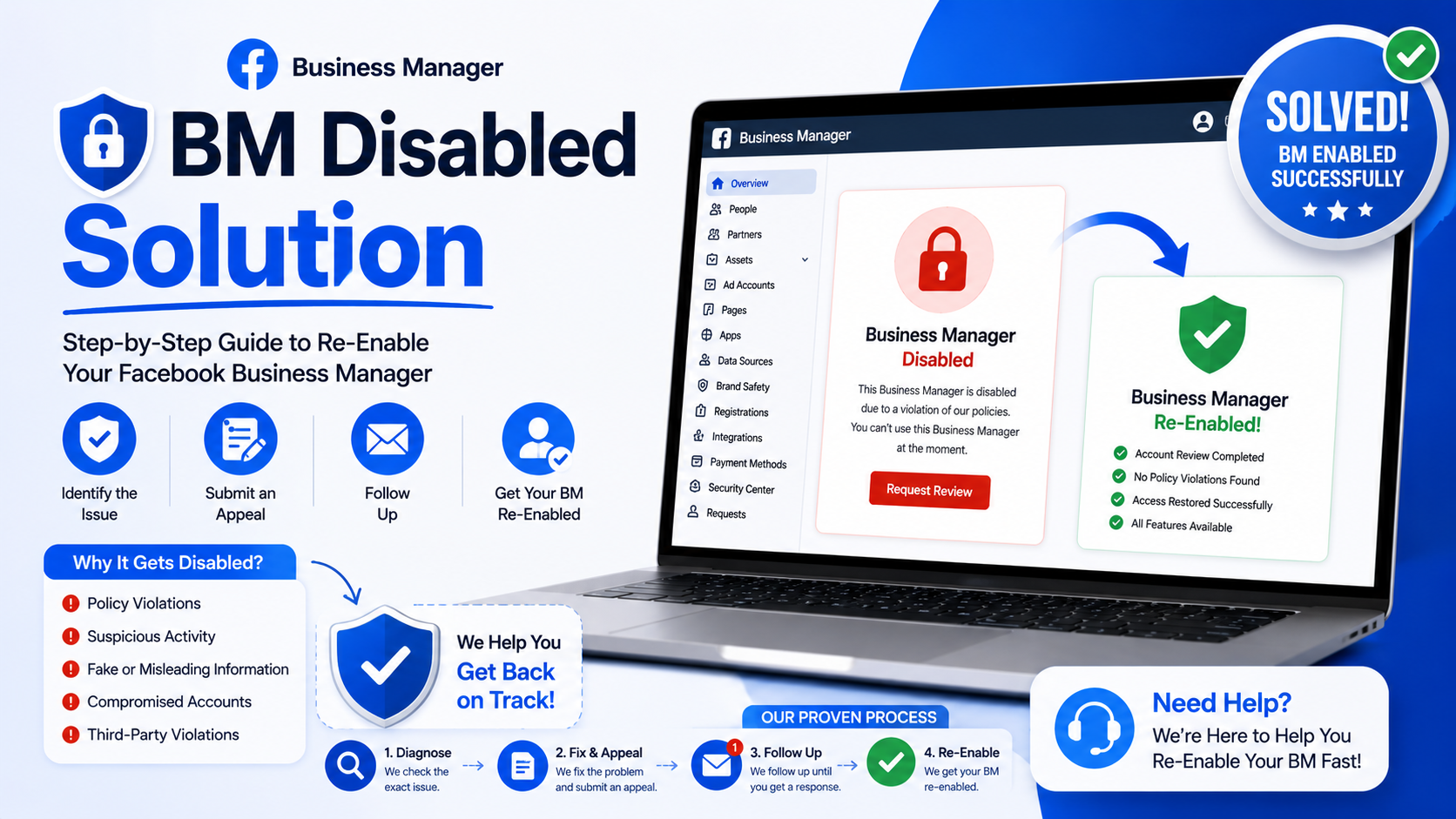
Waking up and finding your Facebook Business Manager locked feels like a gut punch. Ad campaigns freeze mid-flight. Revenue stalls. Panic sets in fast for agencies and solo marketers alike. This guide walks through why Meta disables accounts and how savvy operators claw their way back.
Why Meta Pulls the Plug
Facebook's algorithms police billions of accounts daily, hunting patterns that resemble fraud or policy violations. Sometimes a legitimate business gets caught in that dragnet purely by accident.
Payment disputes trigger suspensions often. So does a mismatch between your registered business name and the one shown on ads. Even innocuous stuff, like reusing an old ad creative flagged elsewhere, can spark a shutdown.
Meta rarely explains itself thoroughly. You'll typically see a vague notice mentioning "suspicious activity" or "Community Standards" without specifics.
Common Culprits Behind Suspension
- Multiple ad accounts tied loosely under one Business Manager
- Payment method declined or flagged as stolen
- Ad content violating restricted categories (health claims, financial promises, adult content)
- IP address mismatches, especially when using VPNs carelessly
- Rapid spending spikes that look bot-driven
Each trigger carries its own weight. A payment issue often resolves within hours. A policy strike, though, can linger for weeks.
The Recovery Roadmap
Getting reinstated demands patience alongside a methodical approach. Rushing the process backfires more often than not.
Step One: Read the Notice Carefully
Meta usually sends a message explaining, vaguely, what went sideways. Screenshot everything immediately. Documentation matters enormously when you appeal later.
Step Two: Check Your Payment Methods
Outdated cards or billing addresses mismatched with your bank often cause automatic red flags. Update your payment info through Meta's Payment Settings dashboard promptly.
Sometimes switching payment methods entirely, from a personal card to a registered business one, smooths things over unexpectedly.
Step Three: File an Appeal
Navigate toward Business Manager's Account Quality section. Locate the disabled account and hit "Request Review." Keep your explanation concise, honest, and free of excessive pleading.
Avoid generic templates copied off forums; Meta's reviewers spot canned language quickly. Explain your business model plainly. Mention compliance efforts you've made. Attach proof of identity or business registration wherever possible.
Step Four: Escalate Through Meta Business Support
Standard appeals sometimes vanish into a black hole. If forty-eight hours pass without response, escalate through Meta Business Suite's live chat option, available to verified advertisers.
Larger spenders sometimes access a dedicated account representative. Smaller businesses lack that luxury, unfortunately, though persistence still pays dividends.
Third-Party Solutions Worth Considering
Numerous agencies now specialize purely in Business Manager reinstatement. They understand Meta's opaque review criteria better than most solo marketers ever could.
These services typically charge a flat fee, ranging anywhere from fifty to several hundred dollars, depending on complexity. Legitimate providers never guarantee outcomes; Meta alone makes final calls.
Before hiring anyone, verify their track record through client testimonials or case studies. Scammers lurk everywhere, promising instant fixes for cash upfront.
Building a Backup Business Manager
Savvy marketers rarely rely solely upon one account. Building a secondary Business Manager, fully verified and compliant, acts as insurance against sudden lockouts.
Keep this backup lean. Avoid stuffing it with numerous ad accounts or payment methods simultaneously; that mirrors exactly the behavior Meta flags as suspicious.
Preventing Future Disablement
Prevention beats scrambling through appeals every single time. Consider these practices non-negotiable going forward.
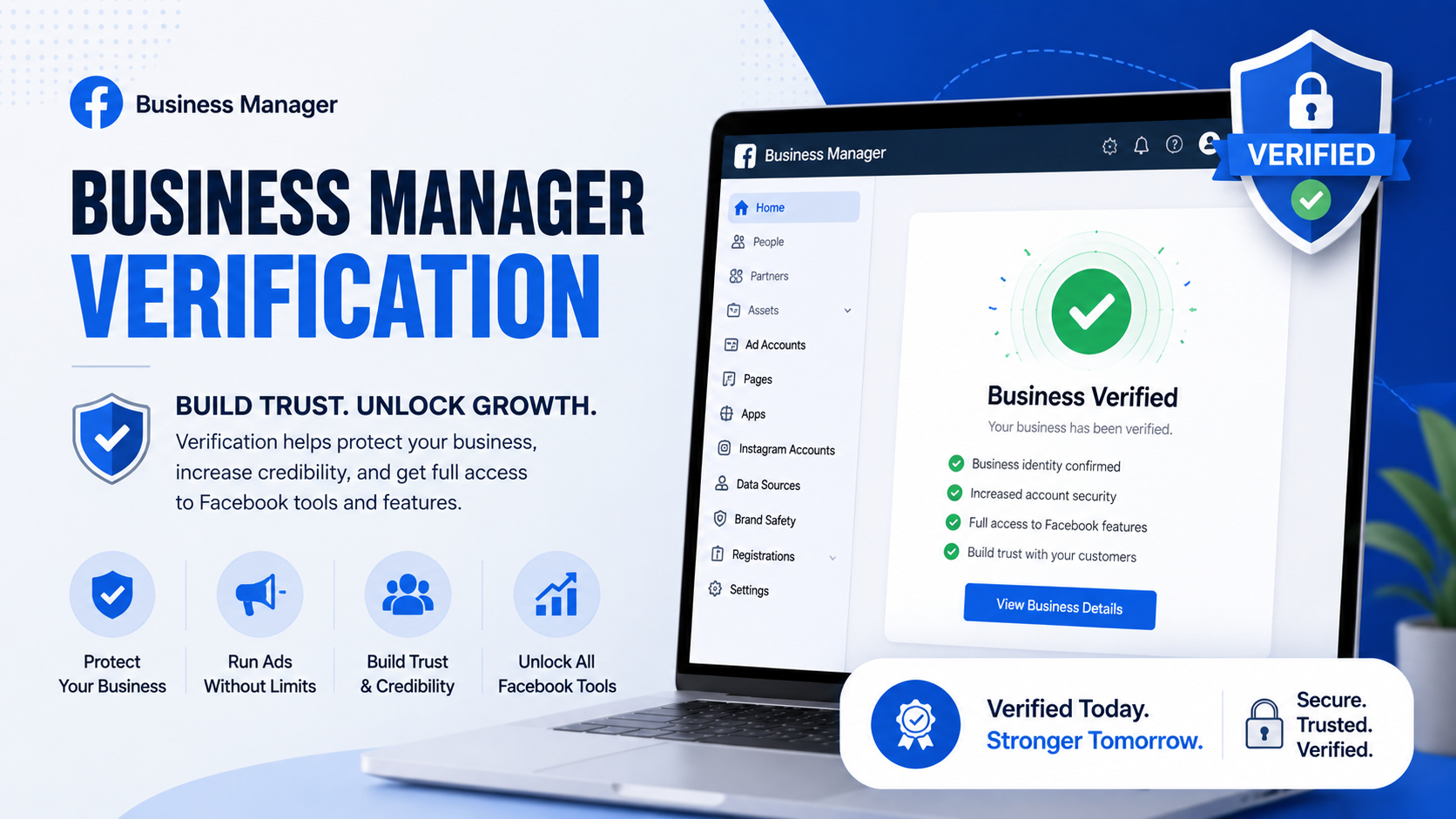
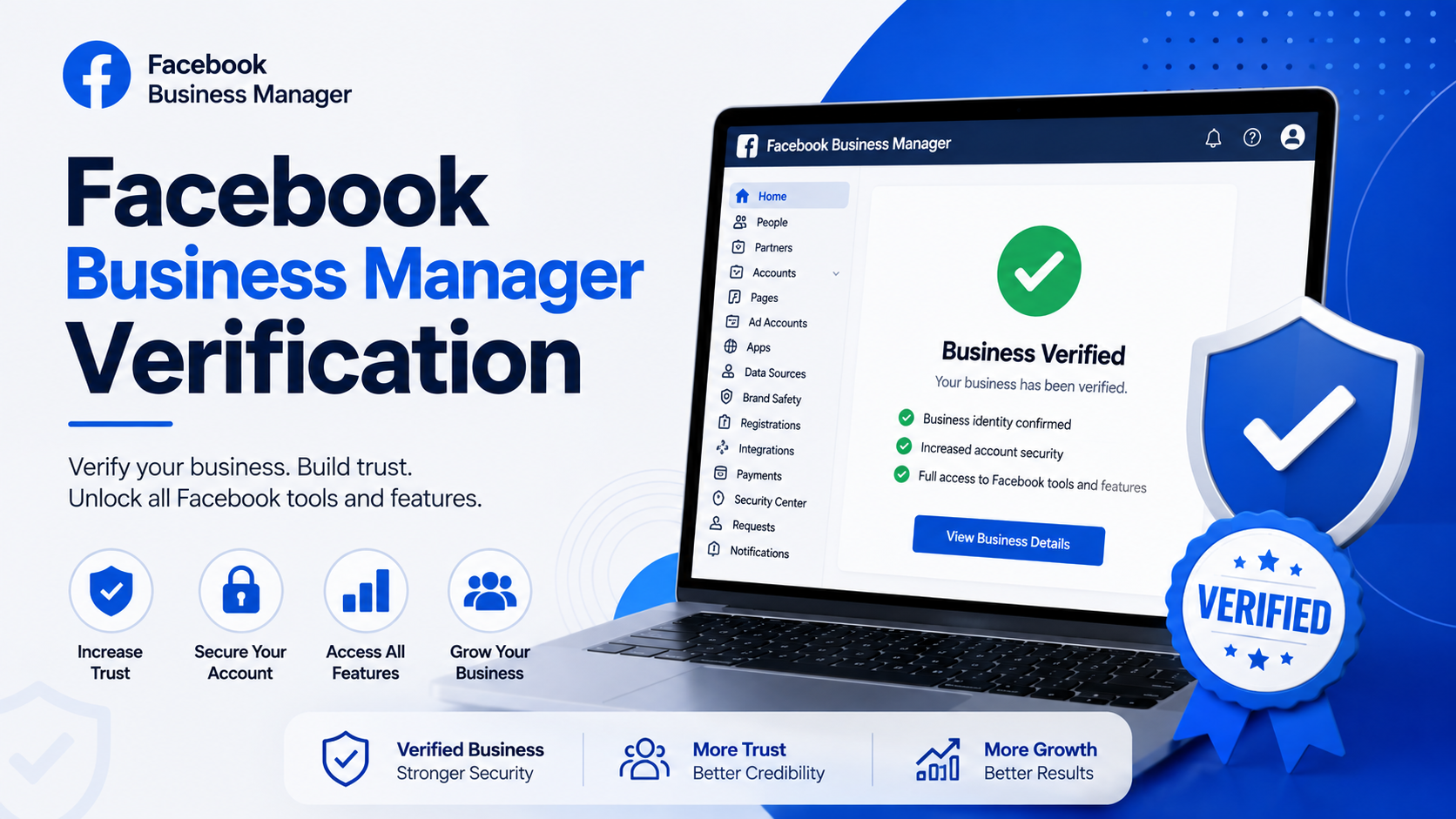
Verify your business thoroughly. Complete Meta's Business Verification process early, submitting tax documents or utility bills as proof.
Separate personal and business assets. Never mix a personal Facebook profile heavily with business advertising activity; algorithms notice unusual crossover behavior.
Monitor ad content rigorously. Steer clear of exaggerated claims, especially within finance, health, or weight-loss niches. Meta's automated reviewers scan aggressively for buzzwords tied to scams.
Diversify payment methods cautiously. Rotating cards frequently looks suspicious; stick with one verified method whenever feasible.
Avoid rapid scaling. Jumping from ten dollars daily toward a thousand overnight practically begs for scrutiny. Scale gradually instead, giving Meta's systems time to build trust around your spending pattern.
Final Thoughts
Losing access to Business Manager stings badly, especially mid-campaign. Yet most disablements aren't permanent death sentences; they're solvable puzzles requiring calm troubleshooting.
Document everything meticulously. Appeal honestly without embellishment. Consider professional reinstatement help if internal efforts stall repeatedly.
Above everything else, build redundancy into your advertising infrastructure. Backup accounts, verified business documentation, and clean spending habits form your best defense against Meta's unpredictable enforcement sweeps.
Marketers who treat platform compliance seriously, rather than as an afterthought, weather these storms far more smoothly than those scrambling reactively after disaster strikes.